 llink
llink
Like Loom, but two-way
Back-and-forth voice and video to hash it out and actually kill meetings.
1/
Send a 30-second clip, skip the meeting
Record, send, move on.
22 minutes later
Your team responds on their own time
Hold back-and-forth conversations, fully async.
Rewind and catch up
Playback clips, send reactions, and respond when you're ready.
Hop into a huddle
For the rare moment a live sync is the right call. One click, no scheduling.
Close the stream when it's done
Always there to play back the decisions made, action items, etc.
and the rest of it...
-
First-class keyboard shortcuts. Practically the only way to use it. -
Markdown docs, right in a stream. Agendas, brainstorms, decisions. -
Action items, inline. Track action items without leaving the conversation. -
Attach files. Drop docs and images right next to the clip that explains them. -
Huddles (live calls). For the rare real-time sync. One click, no scheduling. -
Screen recordings. Capture your screen and walk through it, right in the stream. -
React native mobile app source code included. Deploy to TestFlight for your team.
Kill ~50% of meetings
Capture nuance
Show, don't tell
Use cases
-
Standups. A 90-second update, skip the 9am sync. -
Demos. Record a tour, no live demo to schedule. -
Bug reports & decisions. Show the bug, or write the call in markdown. -
In-depth code reviews. Walk the diff on screen and explain the why, far richer than inline comments. -
Incident firefighting. Clip what's breaking and where it stands. The team catches up in seconds, no war room. -
Launch sprints. Tight check-ins keep everyone in lockstep through crunch, without burning hours in meetings. -
On-call handoffs. An end-of-shift clip passes full context to the next person or timezone. -
Customer escalations. CS loops in eng with a clip of the actual issue, not a paraphrased ticket. -
Retros & postmortems. Everyone records their take async, nothing waits on a calendar slot. -
Feedback & approvals. Send work, get sign-off in one thread. -
Onboarding. A recorded walkthrough beats a week of calls. -
Client & investor updates. Show momentum, get the easy yes.
From the blog
Notes on async video and fewer meetings.
May 22, 2026
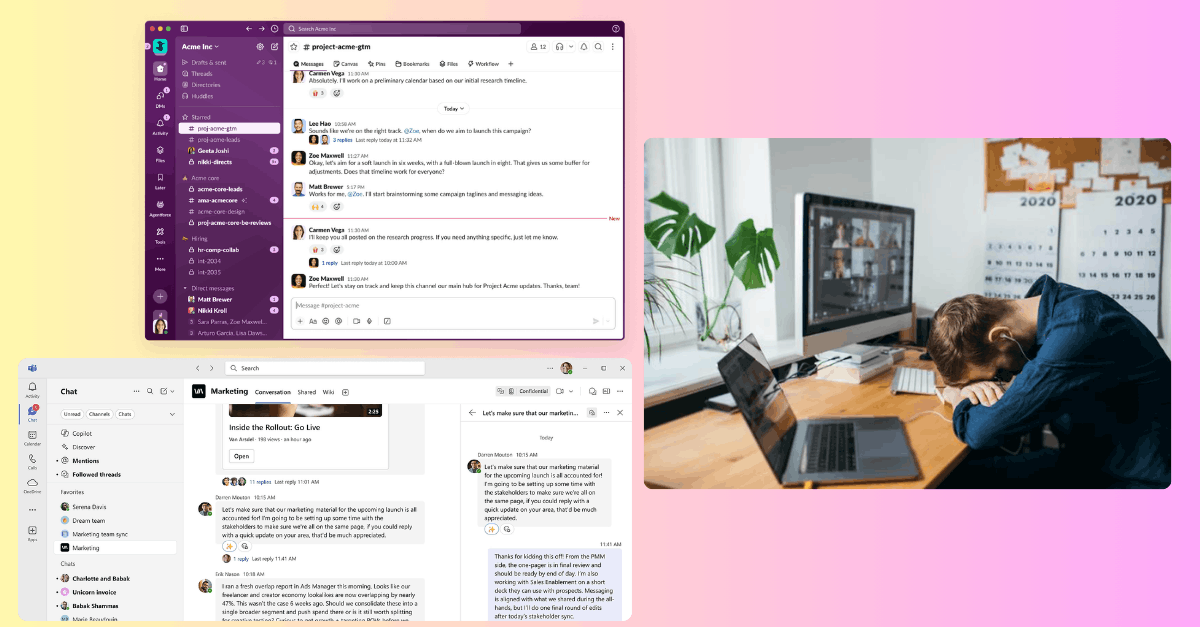
Why async video beats meetings and Slack
Writing drains you. Meetings drain your day. Async video sits in the gap and builds a searchable record of how your team thinks.
May 21, 2026
Flowy.llink vs. Loom
Both let you record and send video, but they solve different problems. One sends a clip. The other has a conversation.
May 21, 2026
Loom alternatives
Loom made async video normal, but it is not the only option. A practical map of the tools and when each one fits.
FAQ
How's this different from Slack, Loom, or Zoom?
- Zoom: everyone's schedule needs to match (not async), and people ramble.
- Slack: lack of tone, so real decisions hardly get made here.
- Loom: one-way, so it can't replace most meetings that require back-and-forth conversation.
Isn't recording clips slow?
Nope. Hit record, talk, send. Faster than typing it out, way faster than booking a call.
Is it easy to self-host?
Absolutely not. We built it as an experiment with our own cloud setup. You may need to do some prompting to strip and modify the infrastructure, however, much of it is portable with k8s files provided.
Do I have to send video?
Nope. Video, voice, or text in any stream. Use whatever fits the moment.
Can I share links and files?
Yes. Drop links, images, and files straight into a stream, right next to the clips.
Can I run live meetings?
Yep. It's called "huddles" in the code. You will need to provide a Livekit API key.
Is there a mobile app?
You will see source code for a mobile app. It's barebones, and you may need to modify it after you get your infrastructure running, but it does work.